

AMERTEER Presentation Clicker Wireless Presenter Remote Clicker for PowerPoint Presentations with Red Pointer, PowerPoint Clicker Slide Advancer for Mac/Windows/Google Slide/PPT.
$11.99
Related Products




Product description


Outstanding Features:
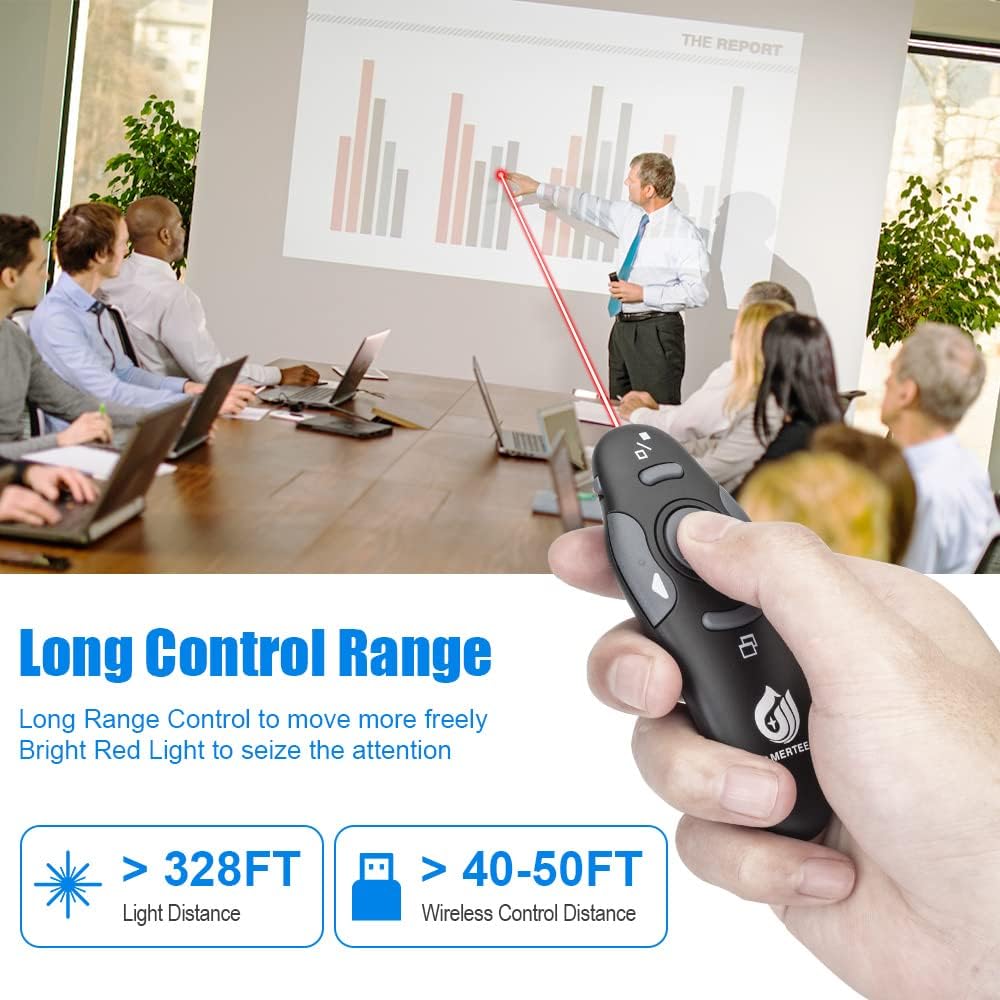
1.A bright red light that is easy to see against most backgrounds to highlight your points; Control distance is long enough for you freely move around the room and interact with your audiences
2.Built-in docking bay stores receiver for easy pack up and portability,so you are less likely to lose your receiver
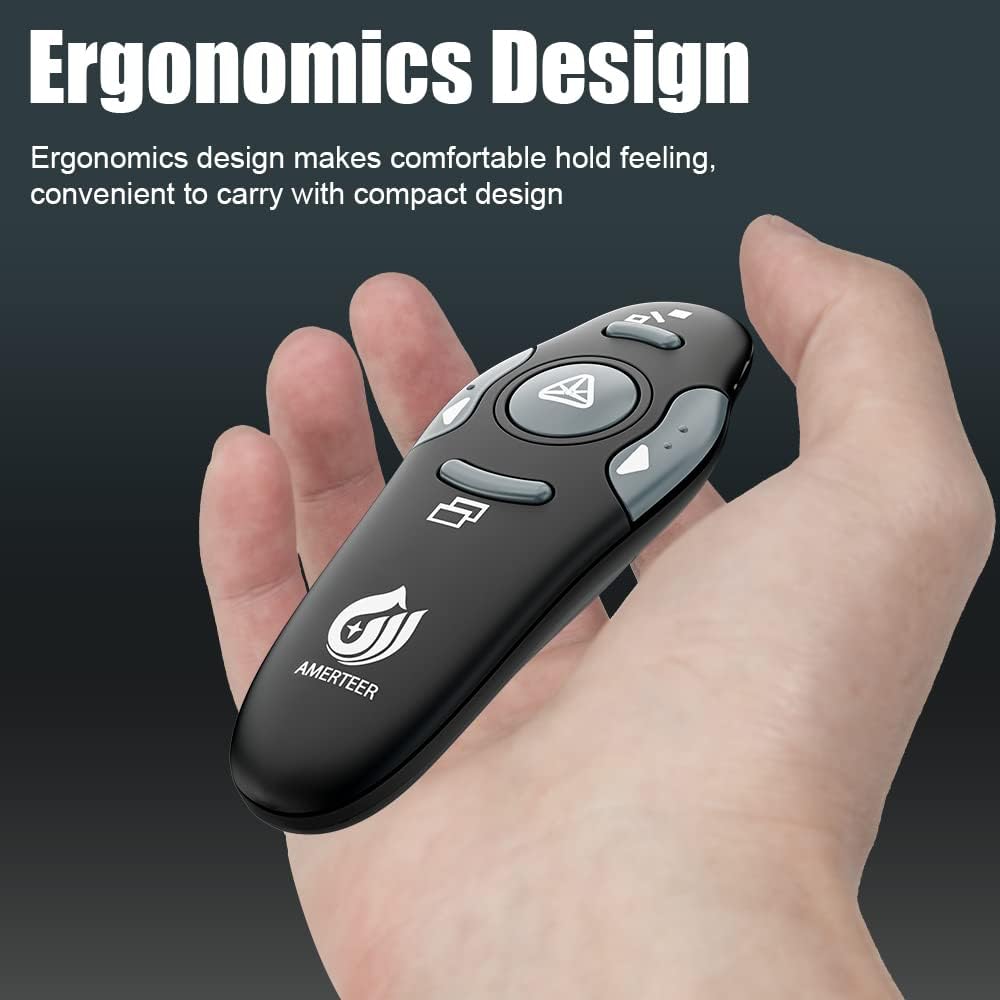
3.Compact but perfect size, meeting ergonomic principle, it is comfortable to hold in hand.


Add to Cart
Add to Cart
Add to Cart
Add to Cart
Add to Cart
Add to Cart
Customer Reviews
4.5 out of 5 stars 1,168
4.4 out of 5 stars 382
4.4 out of 5 stars 85
3.9 out of 5 stars 51
4.4 out of 5 stars 1,295
4.4 out of 5 stars 382
Price
$11.99$11.99 $25.99$25.99 $13.99$13.99 $13.99$13.99 $19.99$19.99 $11.99$11.99
Laser pointer
Red Green Red Red Red Red
Battery Type
1 AAA Battery (NOT Included) Built-in Lithium Battery Built-in Lithium Battery 1 AAA Battery (NOT Included) Built-in Lithium Battery 1 AAA Battery (NOT Included)
Rechargeable
✘
✓
✓
✘
✓
✘
Support Hyperlink
✘
✓
✓
✓
✘
✓
Storage bag
✘
✓
✓
✓
✓
Retail Box
Compatibility
Windows and Mac OS Windows and Mac OS Windows and Mac OS Windows and Mac OS Windows and Mac OS Windows and Mac OS
[Environmentally friendly ABS plastics] scientific ergonomic design; built-in docking bay stores receiver for easy pack up and portability—this PowerPoint presentation clicker also features a laser pointer for presentations.
[ Battery not included ] one-touch keys make it easy to control your slideshow. This presentation remote clicker features buttons for a laser pointer, page up, page down, launch slide show, and black screen.
[A red laser pointer] that’s easy to see against most backgrounds helps highlight key areas of your slides. This power point remote clicker with laser is super easy to use, allowing you to stay engaged with your audience without distractions.
[ Wireless remote control ] distance range up to 39 feet, so you can free to move around the room and interact with your audience using the Wireless Presenter, Presentation remote.
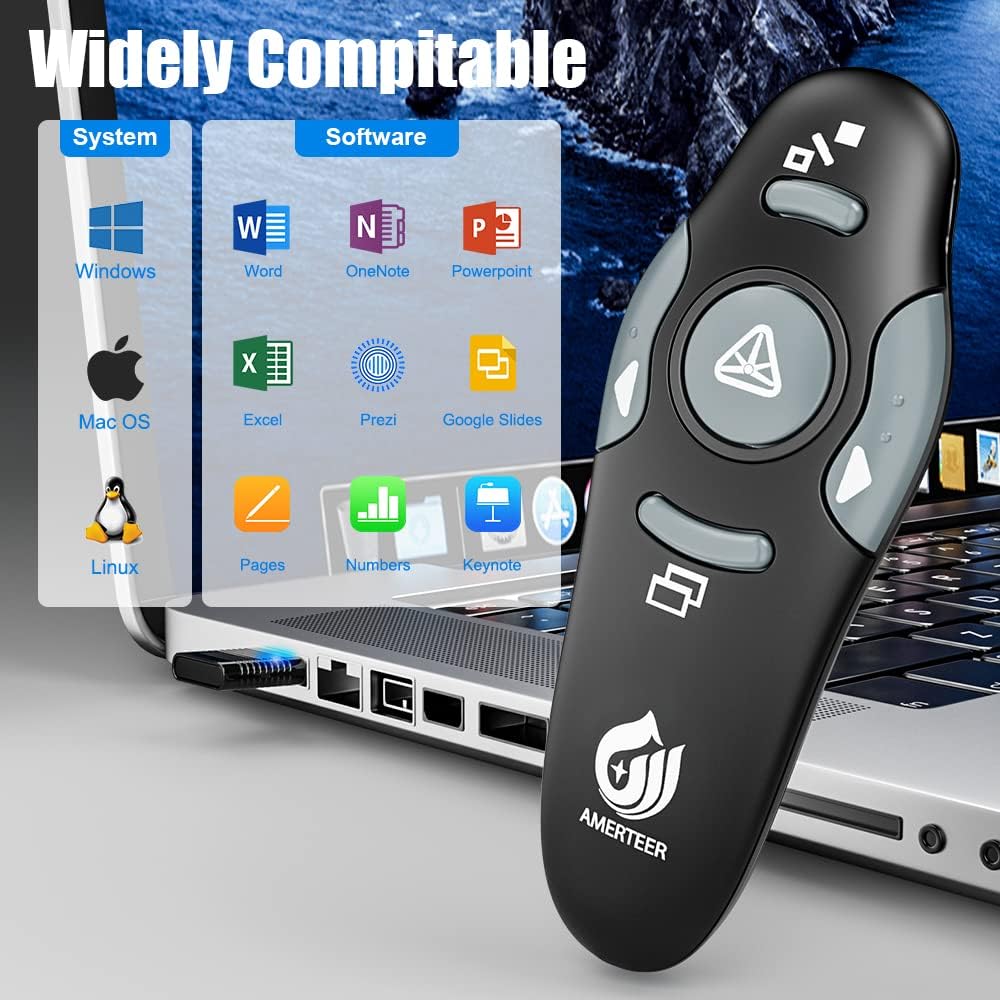
[ Support options ] Compatible with MS Word, Excel, PowerPoint, ACDSee, websites, iWork (Keynote, Numbers, Pages), Google Slides, Prezi, and more—this presentation pointer makes every slide smoother. Supported OS includes Win2000, XP, Vista, Win7, Win8, Win10, Mac OS, and Linux. For MacBook running OS X 10.11 El Capitan, simply plug the USB receiver of the remote PowerPoint clicker with laser pointer into your laptop. A setup box will appear, and you can select the 101 or 104 option to start presenting effortlessly.
10 reviews for AMERTEER Presentation Clicker Wireless Presenter Remote Clicker for PowerPoint Presentations with Red Pointer, PowerPoint Clicker Slide Advancer for Mac/Windows/Google Slide/PPT.
Add a review

$11.99
Lauren –
Loving this Presentation Clicker!
As someone who presents quite frequently and did not want to break the bank, I purchased this item. It came in SUPER quick and not damaged (yayyy!). The wireless device is not too heavy and not too light, which makes it easy to hold and keep in a pocket if needed. I was able to connect it to my Macbook Pro (personal use) and Windows computers in a variety of conference rooms and classrooms by plugging in the small USB connector into the computer. It works seamlessly with Keynote, Google Slides, PowerPoint, and Prezi – which surprised me and wow’d me. The laser pointer feature is great and works well, especially with my friend’s cats…Overall good product, you need to have AAA batteries on you as it does not come with them and the remote lasts for about 55* uses on a single battery and turning the remote off.
Angela Nottingham –
Clicky, clicky!
I use this in my classroom to advance the Bell Ringer slides and on powerpoint presentations. It saves me from having to constantly recalibrate the SMART board or sit at computer when the SMART board is acting stupid. The clicker is compact and works well. As a treat I will let a kid hold the remote and use the laser to “highlight” text on a screen. The off switch allows me to save on battery power. I know there are fancier ones out there that can probably balance your checkbook or you can twirl on your finger, but this one is simple and to the point.::UPDATE 2019::I had to buy a new one because when I was absent “somebody” drop kicked it and then it “accidentally” was stepped on. It still worked, surprisingly, but it was severely cracked. This one wasn’t in stock, but I still recommend it.
Toolmanjsp –
Good economy unit. Works well. USB receiver dongle is plastic and a little cheezy compared to dongles with a metal cage
The device works just as it is supposed to. I knocked off one star because the USB receiver dongle is plastic only and kind of cheezy compared to other USB dongles made with a metal cage around the plug’s contacts. It seems delicate and bumping it while stuck in the USB port on the side of a laptop will probably break it.Still, the unit has good range, the buttons do what they are supposed to and the laser is bright enough to use from a fair distance. If you keep losing them like I do while traveling, this would be a good choice.
Amazon Customer –
Cheap, simple, and effective.
This is a cheap solution that worked well with MacBooks running High Sierra (10.13.x) using Google Slides, LibreOffice, and Keynote. There is no software to install, settings to mess with, or even a need to read the (superfluous) tiny, paper instructions. Simply plug in the (oddly-shaped) transceiver in our USB c to USB 3 dongle and go.Update: About four months after getting this presenter, the “forward” button stopped working. The reseller contacted me about how to fix the issue. Apparently, the button can get stuck, and the solution is to keep pressing it until it works again. While that sounds silly, after testing, it is functioning well again.At this price and how it fits our needs, I’d buy a box of these for my teachers.
Witknee –
This product enhances presentations.
I purchased this product in order to enhance presentations I do once a week about myself to my friends, family, and well, to anybody that will listen. The pointer makes it easy to point to features I like of myself in the pictures I add to the presentations, and it is easy to change from slide to slide as I present. For instance: sometimes when I’m on the slides (cant fit it all on one) that discuss how gorgeous I am, I am able to flip back and forth to show pictures of me on both slides and review all the reasons: eyes, ears, hair, knees, nose, chin, skin, etc and flip from slide to slide and point to each on the picture of me as I state it. This pointer has enhanced my presentations and my friend who usually has to change the slides is very thankful as well. Come to thank of it, I’ve not even heard from her since I’ve got this pointer. It’s ok though… I know where she lives.
MACguy –
Works well with Mac and PC
This presentation Clicker works well with the brand new MacBook Pro with the Touch Bar and USB C adapter With Google slides and PowerPoint amazing.I wasn’t sure if it was going to work with the MacBook Pro but was amazed how fast and easy it was set up. It is a must have for teachers and students would love to present PowerPoint presentations. It also has a laser pointer thought into it. It also works well with windows 10
Greg R Hawkes –
Durable and inexpensive
After searching for hours I realized that I could pay alot of money and get a remote or I could get an inexpensive option and it would do just as good for much less. I do anywhere from two to six presentations a month at work so I wanted something that was inexpensive but durable. I feel this remote will easily last me years, but won’t break the bank when it grows legs and walks away like my last one.Pros: easy to grip. Smooth yet grippy texture. Easy to understand buttons. Bright laserCons: the USB stick can be hard to plug in. Other than that no cons.The only wish I had apart from this is if I could switch back and forth from a green laser to a red laser but that’s just personal preference.
JVE –
Works with Google Sheets and Windows 10 !
Nice product for the price, I was able to use with Google Sheets and Windows 10 without any problem. Has On/Off button to prevent wasting battery if buttons are pressed during storage. Stores USB connector inside battery area so no need to worry about losing that piece. Functioning laser doubles for personal amusement to drive the cats crazy! Cons: Fits a bit wide in the hand and the button layout is not intuitive so it may take a minute or two to get comfortable using with your thumb, and you need to press a “connect” button on the back to synch the device with the USB connector. Overall I would buy again.
Oladele –
It met my expectations and works perfectly well. Although, it’s a bit fragile but perfect for me.
Mozo –
Not working