

QUI Presentation Clicker for PowerPoint, RF 2.4GHz USB Wireless Presenter Remote with Volume Control, PowerPoint Clicker Slide Advancer for Mac, Windows, Laptop, Keynote
$9.99
Related Products





Product description


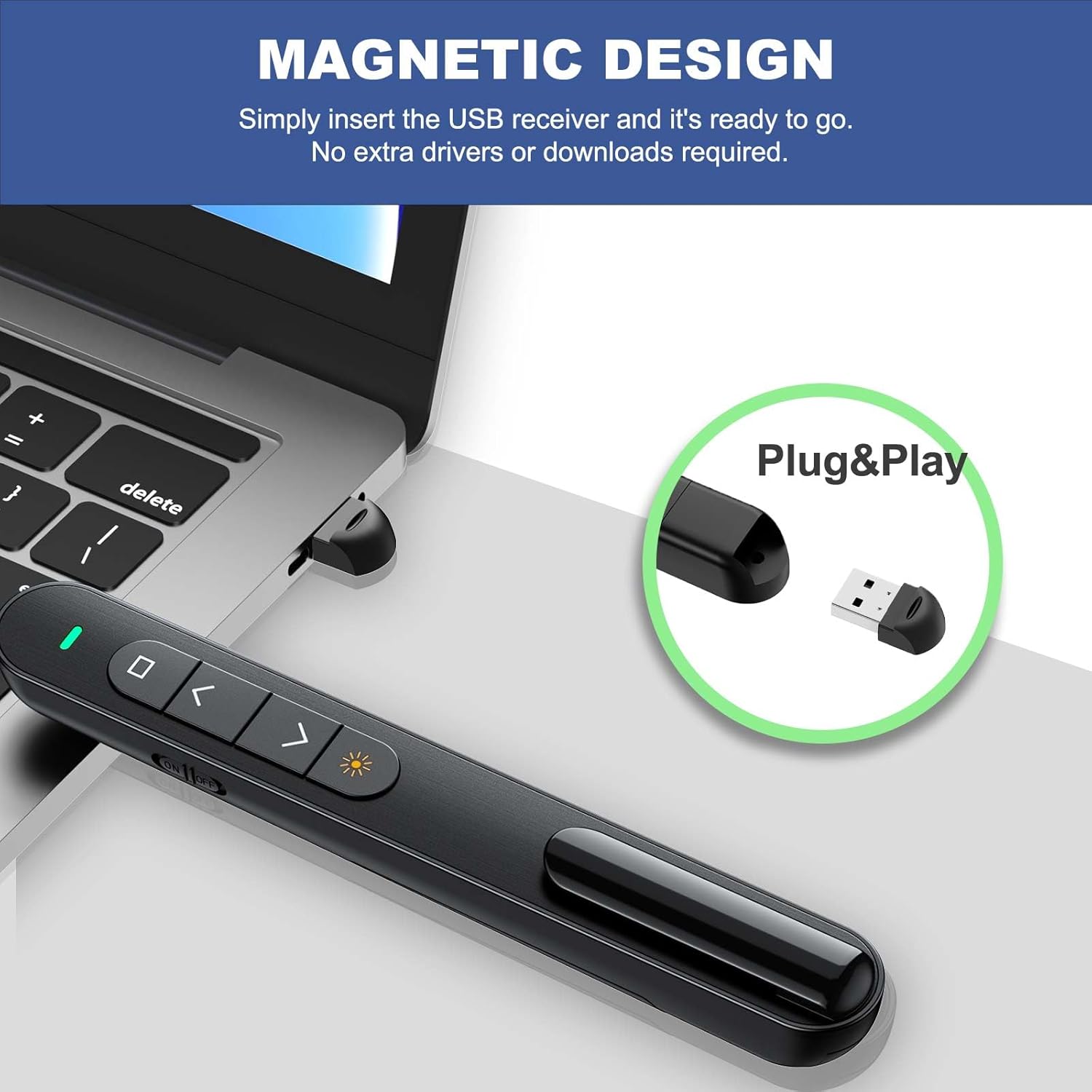
【PLUG & PLAY PRESENTATION CLICKER】The intuitive touch buttons of this presenter clicker integrate hyperlink navigation, page up/down, volume control, power switch, and full screen/black screen functions. No software is required, just connect the magnetic 2.4 GHz USB receiver at the bottom of the clicker to your computer and it’s ready to use. (Powered by 1 AAA Battery is not included)
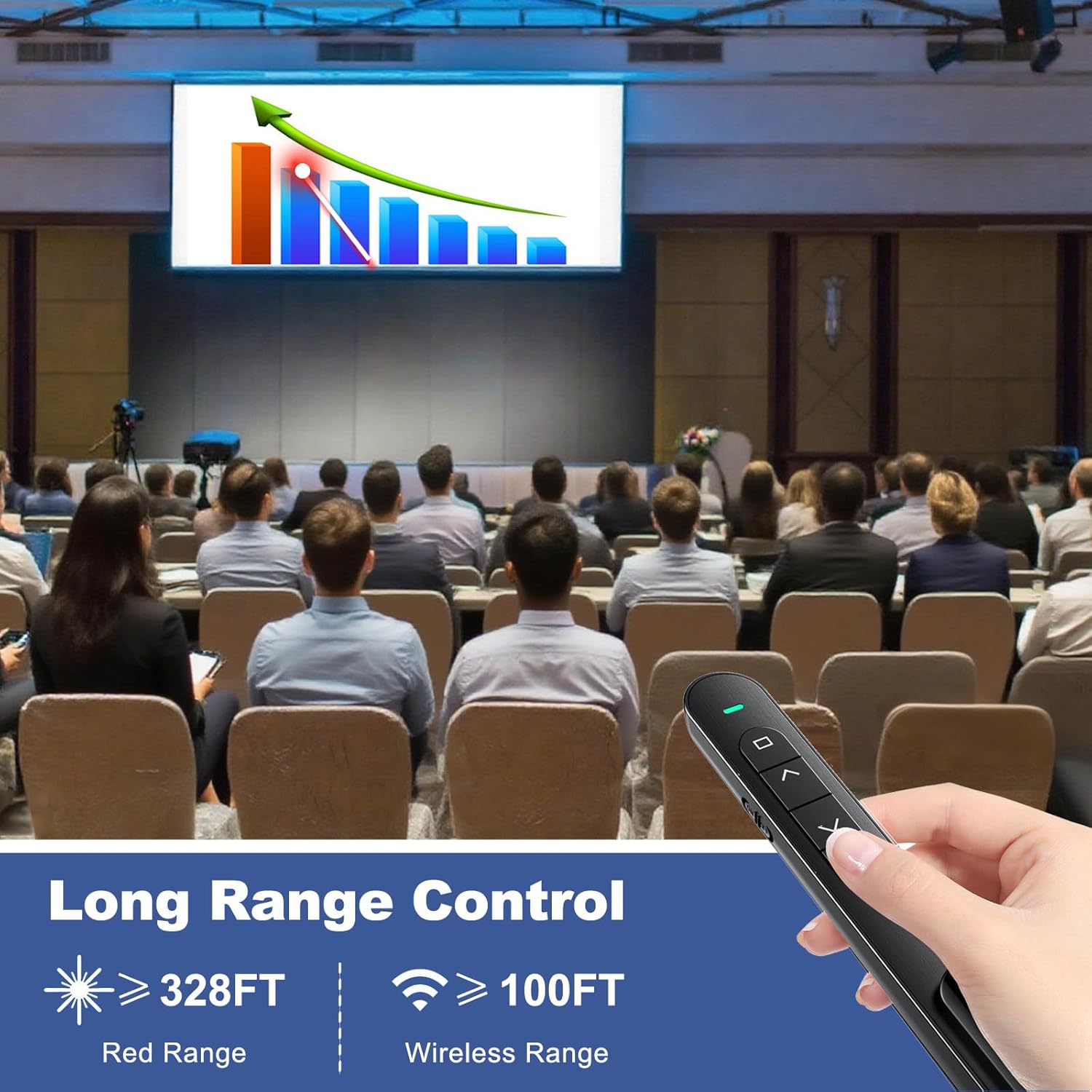
【100M STABLE CONNECTION CONTROL】This wireless presenter remote has a coverage range of up to 328 feet, you can walk out from behind the podium and move around the room, actively talk with the audience, make your lectures more interactive, and enjoy a stable presentation process
【BRIGHT RED LIGHT】 This clicker for PowerPoint presentations can easily highlight important areas of the presentation with a bright red beam so that your audience will not miss any key points. It is suitable for all kinds of backgrounds and is clearly visible even in large auditoriums
【WIDE COMPATIBILITY】This computer clicker for presentations makes it easy to switch between different software and operating systems. Compatible with Mac OS, Windows. Supported software include Excel, Google Slides, ACDSee, PowerPoint, iWork, Prezi, etc
【KEY TOOL AND COMPANION】This slide clicker is very practical for mobile presenters because it comes with a portable clip that can be clipped on a book or pocket for easy carrying. Lightweight and portable, comfortable to wear, this presentation pointer control is a useful helper for meetings, training, and presentations. Multiple color styles will be helpful for giving to friends and family
12 reviews for QUI Presentation Clicker for PowerPoint, RF 2.4GHz USB Wireless Presenter Remote with Volume Control, PowerPoint Clicker Slide Advancer for Mac, Windows, Laptop, Keynote
Add a review

$9.99
Cecilia S. –
Reliable, Easy to Use, and a Total Game-Changer for Presentations
The QUI Presentation Clicker has been a fantastic addition to my work toolkit. It’s incredibly easy to set up—just plug in the USB receiver and you’re ready to go. No software or setup hassle at all. The 2.4GHz wireless connection is smooth and responsive, with no lag when clicking through slides.I love that it works seamlessly with both Mac and Windows, and the built-in volume control is a great bonus feature. The buttons are intuitive and feel solid, and the range easily covers a large room. I’ve used it with PowerPoint, Keynote, and Google Slides with zero issues.If you give presentations regularly or even just occasionally, this clicker is a must-have. It gives you the freedom to move around and stay engaged with your audience—no more hovering over your laptop. Highly recommend!
Kindle Customer –
Great value
Easy and comfortable to hold and use. Works well and great value for the money.
Manasses Dos Santos –
Good remote for Smartboard slides
(Wife) I’m a third grade teacher this year and I was seeking a remote for my classroom Smartboard. This remote is great for clicking through slides and adjusting volume. All you have to do is insert the included USB attachment into your device and you’re good to go. I did have issues connecting when my Smartboard was changed to a different channel but then it started working again fine. My only complaint is that I wish it had more settings, like an “OK” button and some extra buttons. Side and battery life are great, and the range works fine.
Jiahao –
Reliable and Easy to Use
The QUI Presentation Clicker works smoothly with PowerPoint and other software, offering quick response and good range thanks to its 2.4GHz wireless connection. It’s comfortable to hold and easy to set up, perfect for classes or meetings. However, the only downside is that it’s not rechargeable, so you’ll need to replace the batteries quite often. Overall, still a dependable and convenient presenter for everyday use.
Kristopher T Jensen –
My Trivia Buddy
Got tired of having to lean over to my laptop to advance my trivia slideshow, so this little clicker works perfectly. Long battery life, good range, easy to use.
AMadden –
Excellent laser pointer.
Works very well. Great price.
Lesli H –
So helpful and convenient
Bought for presentations and it works perfectly!! I love the convenience. Easy to setup and use!!
Jane.t –
Great Product but Inconsistent
I am a teacher and it has been useful to share my lessons and walk around the class to keep students engaged in the lesson. The laser pointer is the best part by allowing me to show students posters around the room without just pointing with my finger. I am giving it three stars because it works 70% of the time. There have been several moments where I struggle to move on with the next slide. The laser is a bit faulty too. The laser can be dim or not even work at all. The product can be a bit unreliable. I am hoping to replace the current one I have.
Ali Alsubay –
أشكركم
Rosa Enid Pastrana Sanchez –
Ligero, la luz del apuntador le falta intensidad y el material del usb es muy delgado se cae la tapa a cada rato
Justine F. –
Works well. However, the USB portion is loose when installed in the base of the pointer. Would be beneficial to have a magnetic fixture like many other similar to this.
Jay –
The “blank the screen” function doesn’t exist on the model you receive. The button is just non-existent, so be aware before you order.